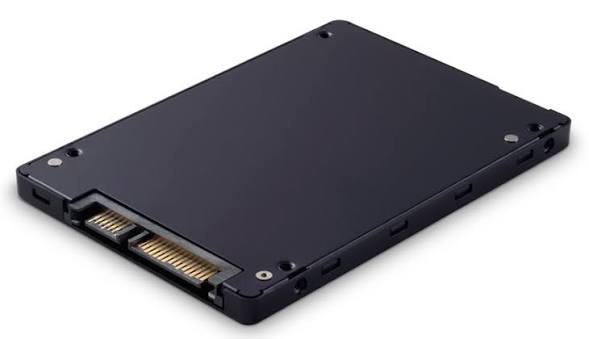
Choose an SSD by its interface and physical format before comparing capacity. SATA SSD, M.2 SATA SSD and NVMe SSD have separate collections because a system can support one without supporting the others.
Check the computer’s service documentation for supported drive interfaces, form factors and mounting arrangements.
For a 2.5-inch replacement, check bay dimensions and SATA data and power connections. For an M.2 drive, check the supported interface, length and keying.
Compare the actual drive’s capacity and documented condition. For a used drive, only rely on health or usage information that is supplied for that unit.
Plan how existing files will be backed up or transferred. A drive listing does not automatically include installation, cloning, software or accessories.
For compatibility questions or a quantity enquiry, include the product type, required specifications or measurements, quantity and delivery destination. Available products and order terms will be confirmed through the relevant enquiry channel.